

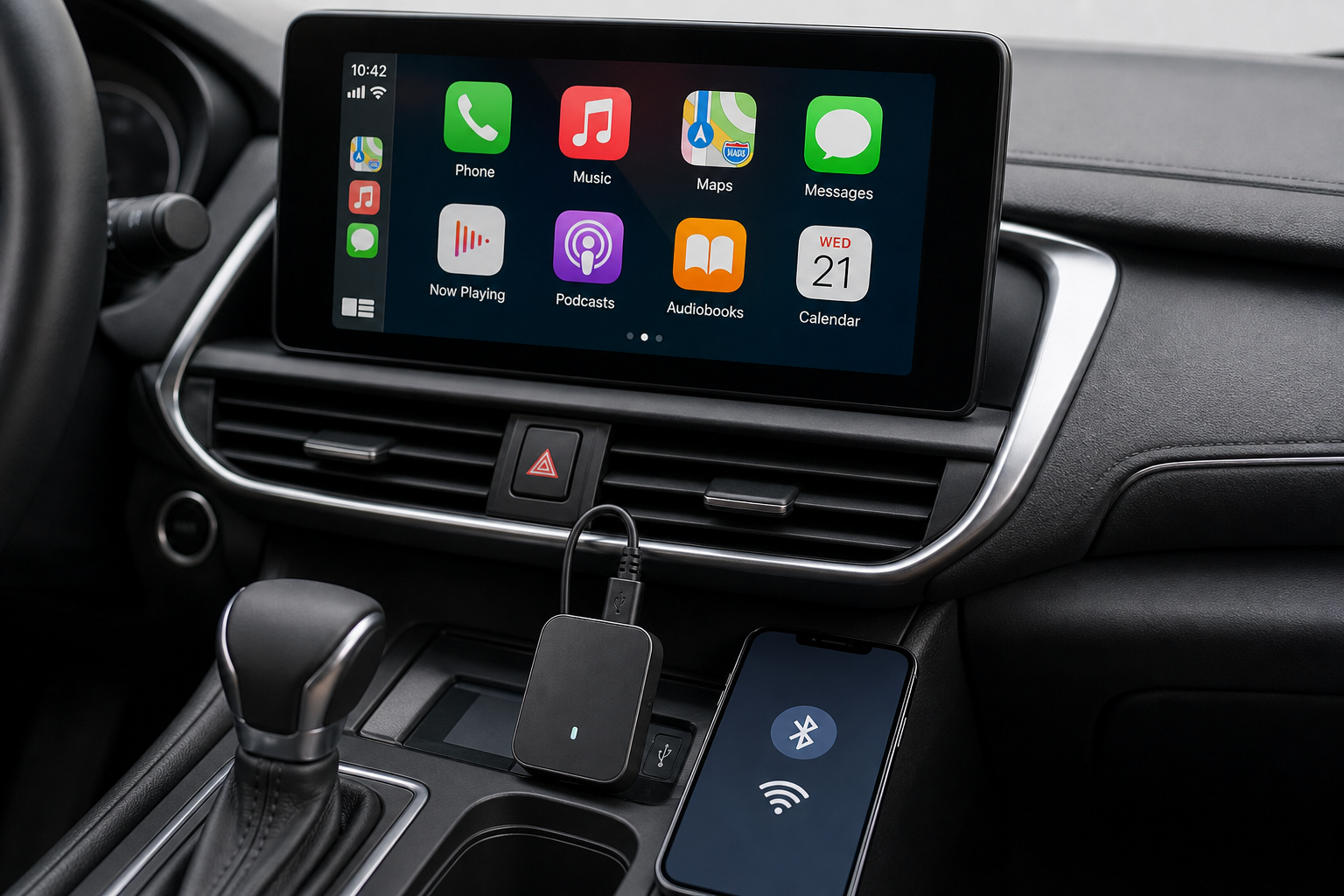
Setup takes a few minutes the first time, and nothing after that - here is the exact process.
Step 1: Connect the Dongle
Plug the adapter into your car's USB port (make sure it is a data-capable port, not a charge-only one).
Step 2: Pair Your Phone
Enable Bluetooth and Wi-Fi on your phone, then select the adapter to pair - this only needs to happen once.
Step 3: Launch and Go
Launch CarPlay or Android Auto on your car's display. On every future drive, it reconnects automatically without repeating the pairing steps.
After the First Pairing
You should not need to touch your phone at all on future drives - the auto-reconnect feature handles it. If it stops reconnecting automatically after an update, see our troubleshooting guide.
Frequently Asked Questions
Do I have to pair my phone every time I drive?
No - you pair once during setup, and the adapter auto-reconnects on every drive after that as long as Bluetooth and Wi-Fi stay enabled on your phone.
What if it does not connect the first time?
Double-check you are using a data-capable USB port, and that both Bluetooth and Wi-Fi are enabled on your phone before selecting the adapter to pair.
Do I need to install an app?
No app is required - setup is done through your phone Bluetooth and Wi-Fi settings and your car built-in CarPlay or Android Auto interface.
Ready to go cable-free? Check out the Wireless CarPlay & Android Auto Adapter.