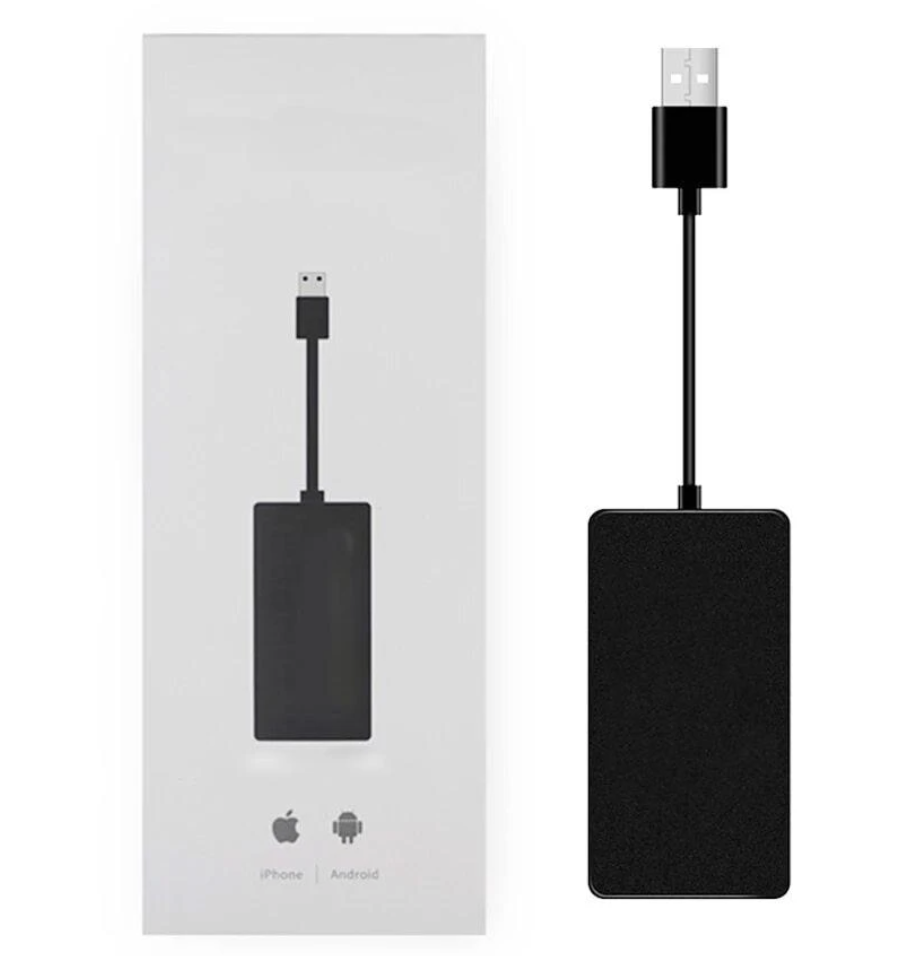
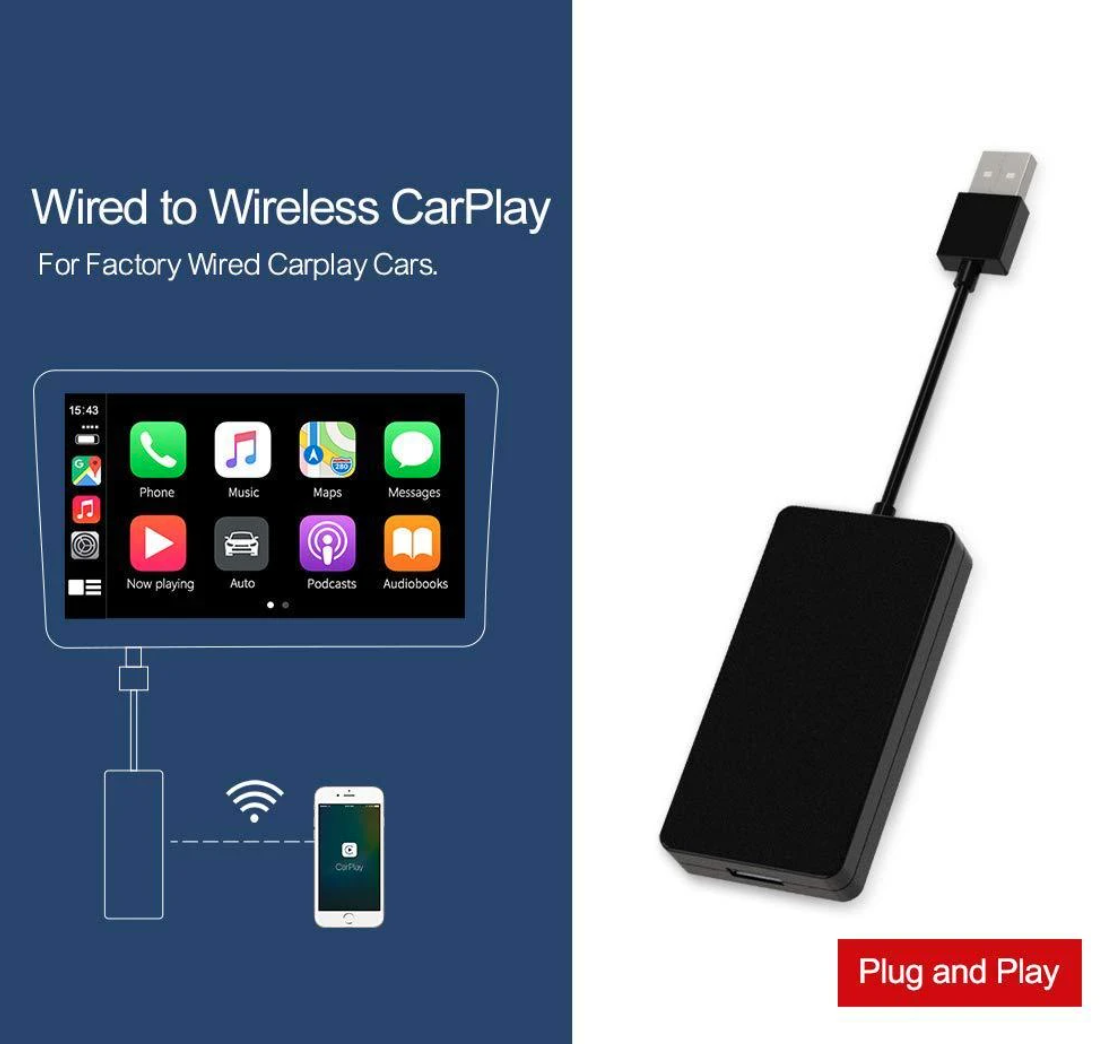
Upgrade your drive without replacing your stereo. This Wireless CarPlay & Android Auto Adapter is a plug-and-play USB dongle that adds Apple CarPlay and Android Auto to compatible car displays — so you get navigation, calls, messages and music on your dashboard screen instead of fumbling with your phone.
How it works
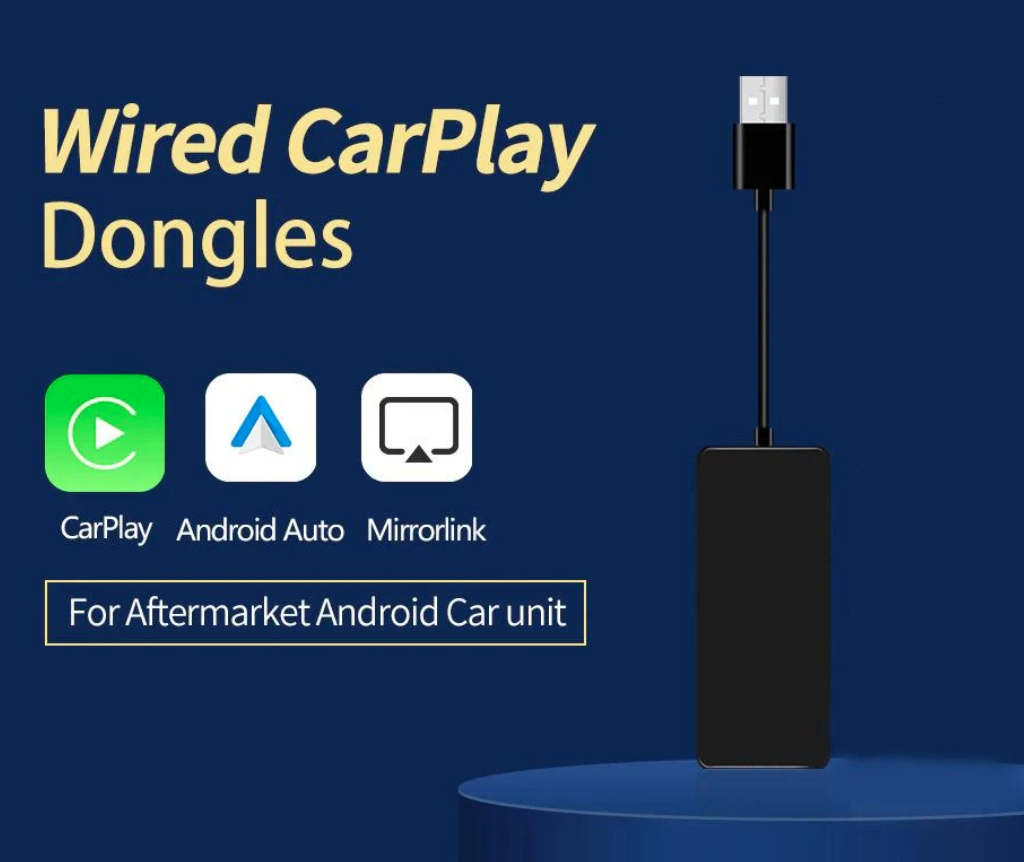
Plug the adapter into your car's USB port, pair your phone once over Bluetooth and Wi-Fi, and the dongle reconnects automatically every time you get in. The wireless version converts a factory wired CarPlay system into a cable-free setup; the wired version adds CarPlay, Android Auto and MirrorLink to many aftermarket Android head units.
Key features
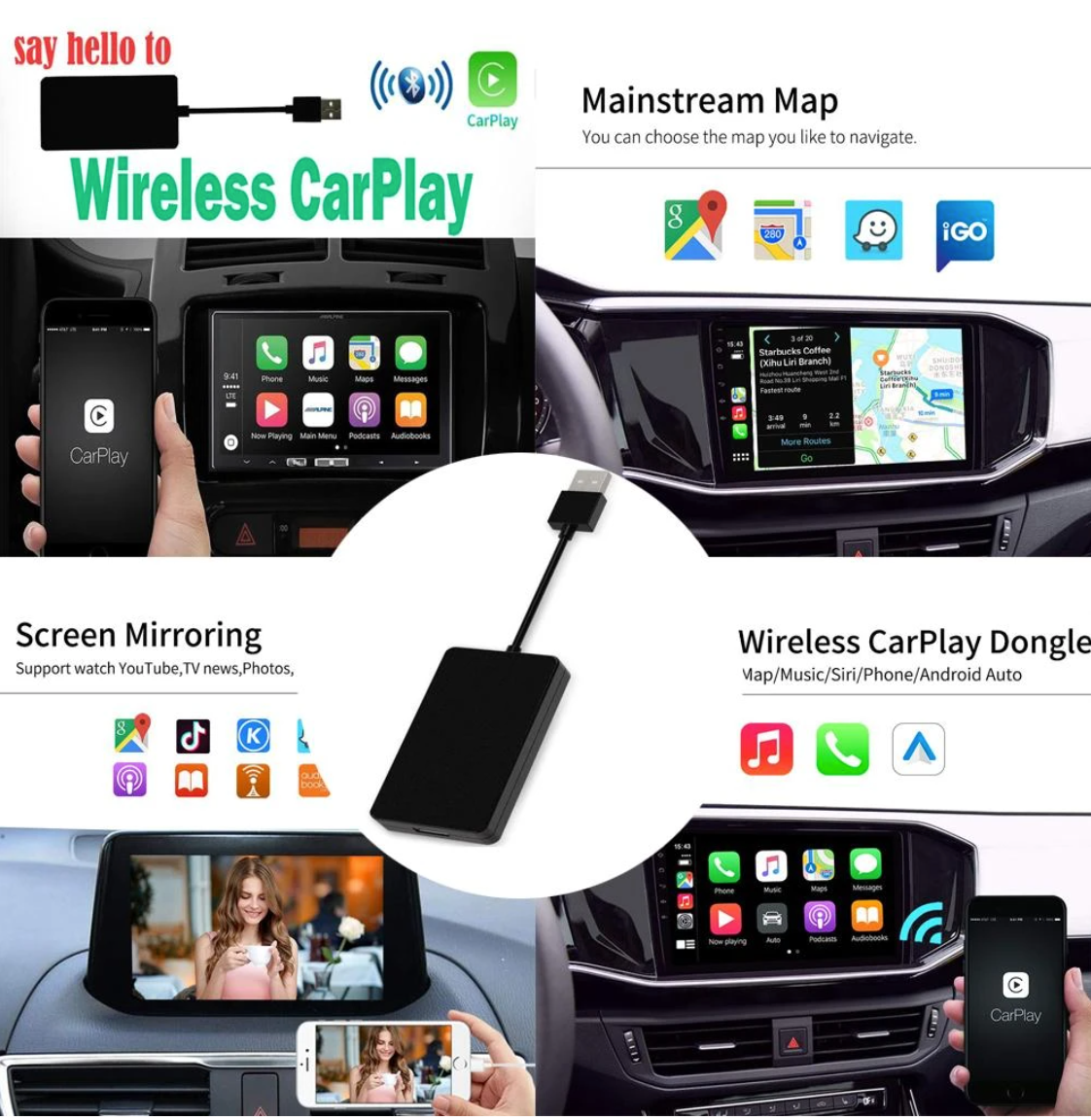
- Wireless Apple CarPlay & Android Auto — mirror maps, music and calls on your car screen
- Plug & play — no disassembly, wiring or professional install needed
- Auto-reconnect — pairs once, then connects on its own each drive
- Stable dual connection — Bluetooth for pairing, Wi-Fi for low-lag streaming
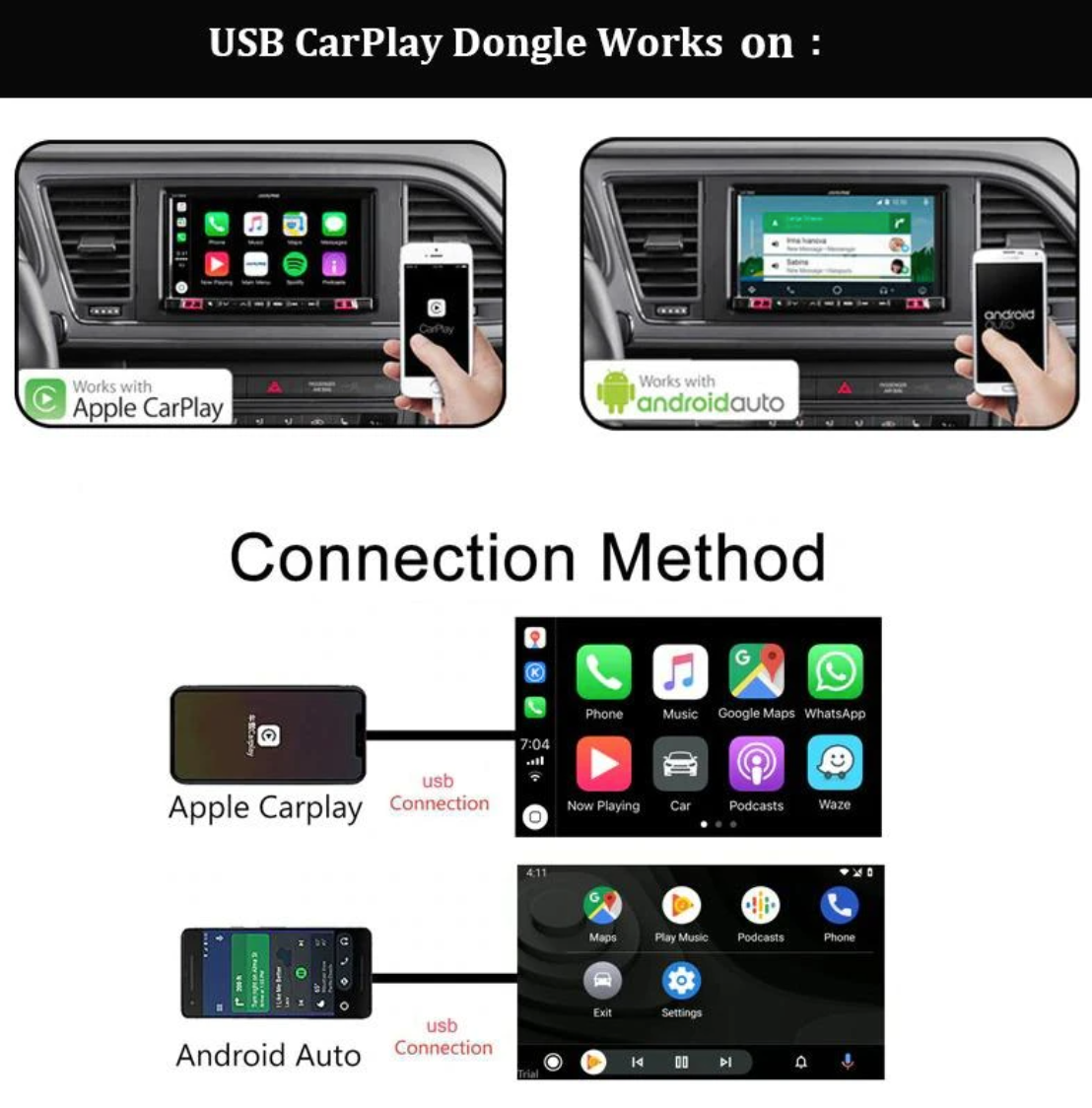
- Works with iPhone and Android — iOS 9.0 and Android 4.0 or newer
- Tidy dashboard — keep your phone in your pocket, cable-free
Apps you can use on your car screen
Run the apps you already rely on: Apple Maps, Google Maps and Waze for navigation, plus phone, messages, podcasts and your favorite music apps — all controlled from your car's touchscreen or steering-wheel controls.
Compatibility
- Vehicles with a factory wired CarPlay head unit (for the wireless version)
- Many aftermarket Android car stereos (for the wired version)
- iPhone running iOS 9.0+ and Android phones running Android 4.0+
What's in the box
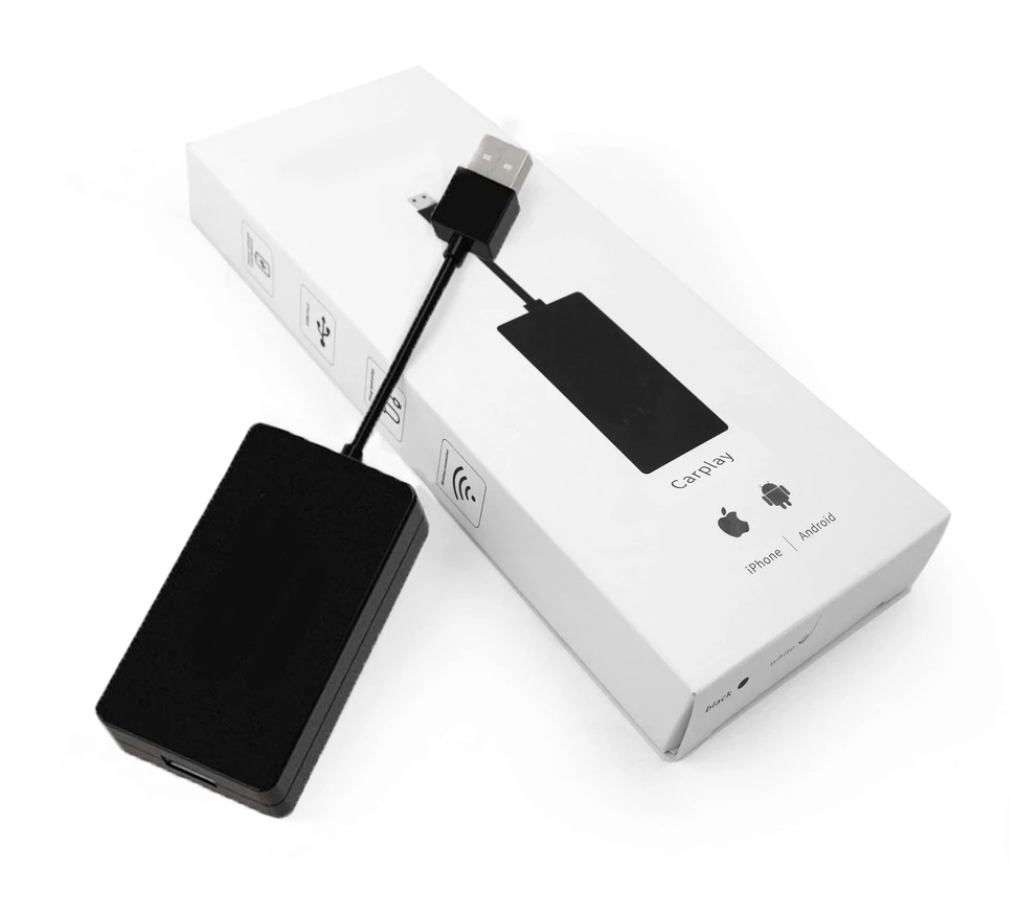
- 1 × CarPlay & Android Auto USB adapter dongle
- USB connector cable (attached)
- Quick-start guide
Setup in three steps
- Connect the dongle to your car's USB port.
- Enable Bluetooth and Wi-Fi on your phone and select the adapter to pair.
- Launch CarPlay or Android Auto on your display — future drives connect automatically.
Choose your version above: Wired ($59.99) or Wireless ($69.99), each was $99.99.
Frequently Asked Questions
Which version do I need, wired or wireless?
If your car already has a factory touchscreen that runs Apple CarPlay through a USB cable, get the wireless version - it converts that existing wired setup to cable-free. If you have an aftermarket Android head unit that does not run CarPlay or Android Auto at all, get the wired version, which adds CarPlay, Android Auto, and MirrorLink to it.
Will this work with my car?
The wireless version requires a factory head unit that already runs wired CarPlay. The wired version requires a compatible aftermarket Android head unit. Neither version adds CarPlay to a factory system that has no CarPlay support at all.
Does it work with both iPhone and Android?
Yes - it supports iOS 9.0 or newer and Android 4.0 or newer, though which interface displays (CarPlay or Android Auto) depends on which phone you connect.
How do I set it up?
Plug the adapter into a data-capable USB port in your car, enable Bluetooth and Wi-Fi on your phone and pair once, then launch CarPlay or Android Auto on your car display. Every drive after that reconnects automatically.
Why does my adapter keep disconnecting?
The most common causes are a Wi-Fi channel conflict with other nearby devices, radio interference from powerful signals near you, or a recent iOS update changing how CarPlay negotiates its Wi-Fi connection. A full reset - unplug for 15 seconds, forget the car in your iPhone settings, remove the Bluetooth pairing, restart your phone, then re-pair - resolves most cases.
Is this adapter officially licensed by Apple?
No - no wireless CarPlay adapter on the market is officially licensed by Apple, including this one. The entire category operates in that same legal gray area.
Is a cheaper adapter less safe to use?
The real risk with any wireless CarPlay adapter is connection lag or dropouts while relying on navigation or a call, not an electrical safety issue. Industry reports generally associate more connection issues with adapters under $50 than with $80-100+ options from established brands. This adapter is priced at $59.99 (wired) and $69.99 (wireless) - the middle of that range - and uses a dual Bluetooth and Wi-Fi connection intended to reduce dropouts, though we will not claim it is immune to the interference issues that affect the category broadly.
What's included in the box?
One USB adapter dongle with an attached USB connector cable, plus a quick-start guide.
Do I need to pair my phone every time I get in the car?
No - you pair once during initial setup, and the adapter auto-reconnects on every drive after that as long as Bluetooth and Wi-Fi are enabled on your phone.
Does it matter which USB port I use in my car?
Yes. Some car USB ports are charge-only and do not carry data, so the adapter will not connect through them - check your car manual to confirm which port is data-capable.
For more detail, see our guides on wired vs. wireless, fixing disconnects, and adapter safety and pricing.