

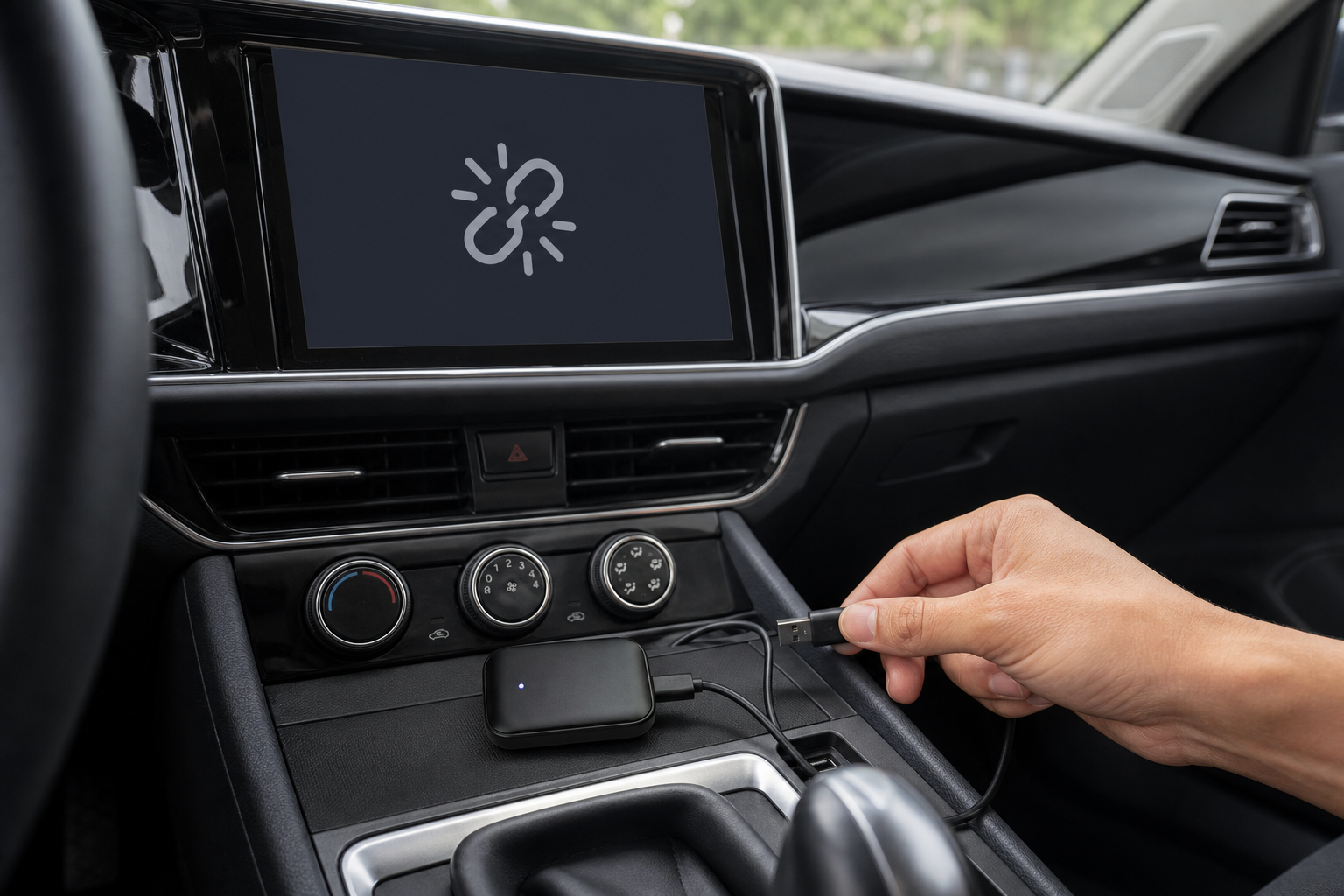
Wireless CarPlay adapters occasionally drop connection or lag - this is a known characteristic of the wireless-adapter category generally, not unique to any one brand. Here is what actually causes it and how to fix it.
Wi-Fi Channel Conflicts
The most common cause is a 5GHz Wi-Fi channel conflict - other devices in or near your car (dashcams, portable hotspots, your car's own built-in Wi-Fi) competing for the same channels. If your adapter has a channel setting, switching to a less crowded one often resolves it.
Radio Interference From Nearby Signals
Location-specific dropouts can happen when you drive near powerful signals on a similar frequency band - high-powered Wi-Fi routers, cell towers, or transmitters near airports or military bases. This is environmental and usually temporary.
An iOS Update Might Be the Cause
Apple changes CarPlay's Wi-Fi negotiation behavior with some iOS updates, which has caused wireless adapters across the industry to temporarily stop connecting after a major update. If your adapter suddenly stops working right after updating your phone, this is the most likely reason.
Check Which USB Port You're Using
Many cars have both data-capable USB ports and charge-only USB ports. Plugging the adapter into a charge-only port means it will not work at all - check your car's manual for which port is data-capable.
The Reset That Fixes Most Connection Issues
Unplug the adapter for 15 seconds, forget the car in your iPhone's CarPlay settings, remove the adapter from your Bluetooth device list, restart your phone, then plug back in and re-pair from scratch.
Frequently Asked Questions
Why did my adapter stop working after I updated my phone?
iOS updates occasionally change how CarPlay negotiates its Wi-Fi connection, which can temporarily break wireless adapters across the industry until a fix is available. Try the full reset (unplug, forget the car, remove Bluetooth pairing, restart, re-pair) first.
Does it matter which USB port I plug it into?
Yes. Some car USB ports are charge-only and do not carry data, so the adapter will not connect through them. Check your car manual for which port is data-capable.
Will this happen with any wireless CarPlay adapter, or just cheap ones?
Wi-Fi channel conflicts and iOS update breakage affect wireless adapters broadly, since they depend on how your phone and the adapter negotiate a Wi-Fi connection - it is a category-wide characteristic, not specific to one price tier.
Ready to go cable-free? Check out the Wireless CarPlay & Android Auto Adapter.