

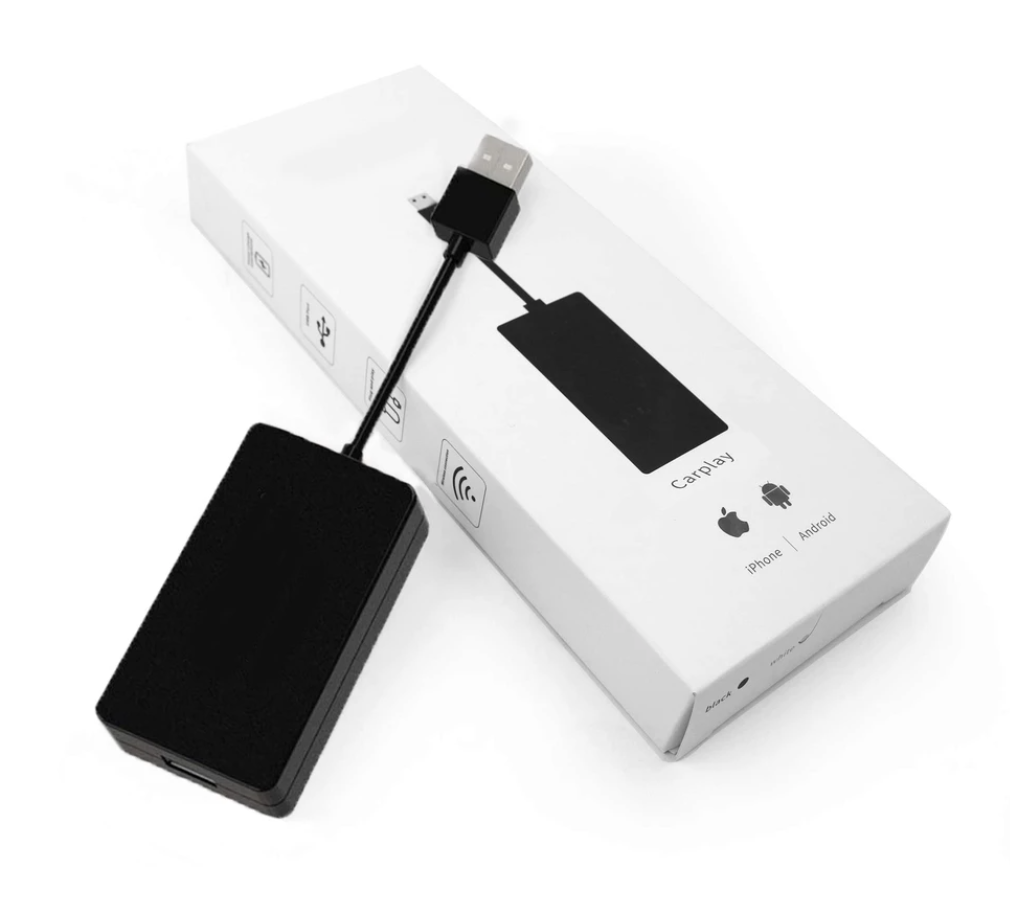
Sharing a CarPlay car works best when both drivers know which phone should connect and how the particular vehicle selects it. Set this up while parked, before September commutes, school runs or shared trips become busy. A wireless adapter does not automatically make phone switching seamless, and different stereos handle multiple saved phones differently.
This guide is about the handover between drivers. It is not a promise that a particular adapter supports two simultaneous connections or that every vehicle offers the same controls.
Separate the three things that may be paired
There can be a phone-to-car connection, a phone-to-adapter connection and saved settings on the car's display. Write down which arrangement you actually use before changing anything.
For example, a car with built-in wireless CarPlay may not need an adapter at all. A different car may depend on a compatible USB connection and an accessory. The Wireless CarPlay and Android Auto Adapter is a product to evaluate against your exact vehicle and stereo—not evidence that every head unit can be upgraded.
Apple's CarPlay connection guidance distinguishes wired and wireless vehicle setups. Follow the car and adapter instructions for the accessory-specific steps.
Make the first handover a parked test
Choose a time when neither driver is rushing. Driver A connects normally, checks that the expected interface appears, then ends the session using the documented controls. Driver B follows the same process with their phone.
Note what actually happened. Did the display ask you to select a saved device? Did it reconnect to the first phone because that person was still nearby? Was a cable moved? These observations are more useful than repeatedly deleting every connection.
Create a short note in the glove compartment: “Select the driver's phone in the vehicle's device menu” is useful if that is what your car requires. “It should just work” is not an instruction.
Agree whose navigation and audio are active
Before moving, the driver should confirm the destination and audio source. A passenger's familiar playlist does not tell you whose phone is supplying navigation.
For a shared September routine, agree on a simple rule: the person driving prepares the journey before departure. If the vehicle permits a passenger to help through its normal controls, follow its instructions without distracting the driver. Do not try to fix a pairing problem while driving.
Keep a suitable cable available if your compatible system supports a wired fallback. Check the vehicle manual rather than assuming that every USB socket carries data; some are intended only for power.
Treat temporary and permanent sharing differently
A household car may sensibly retain both drivers' approved device profiles. A borrowed or rental car is different: review the vehicle's own instructions for removing your phone and personal information when returning it.
Removing a CarPlay relationship on the phone is not the same as proving that all vehicle-stored contacts or destinations have been erased. Check both sides of the connection. Apple's troubleshooting instructions explain the iPhone's “Forget This Car” option; the car manufacturer explains its own stored-data controls.
Buy only after identifying the missing capability
If pairing works but the handover is inconvenient, first establish whether your existing equipment supports a better selection method. A second adapter is not necessarily the solution.
Our CarPlay compatibility article can help you check the starting point; ask support for the exact product's multiple-phone behavior before ordering. A successful shared-car setup is one both drivers can repeat calmly, with the correct equipment for the vehicle.